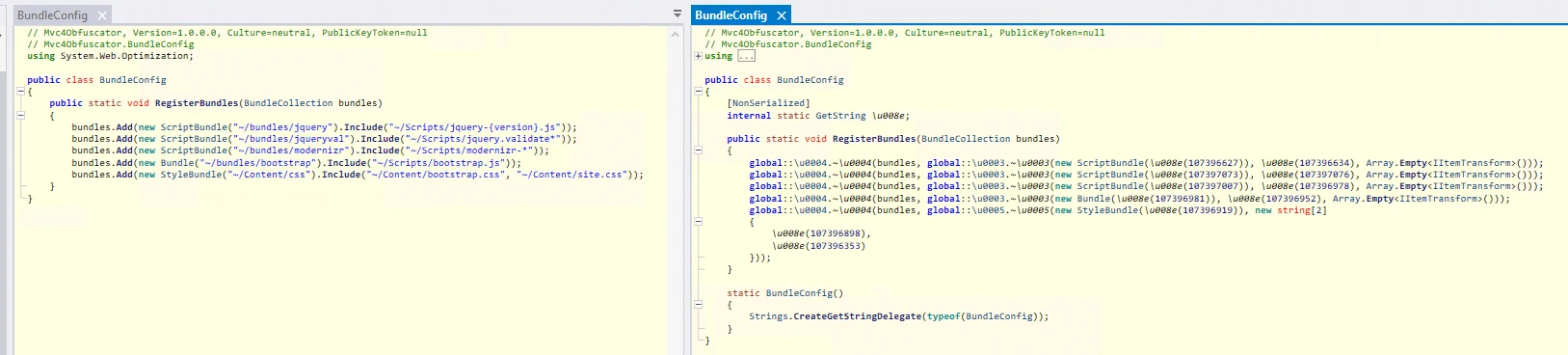
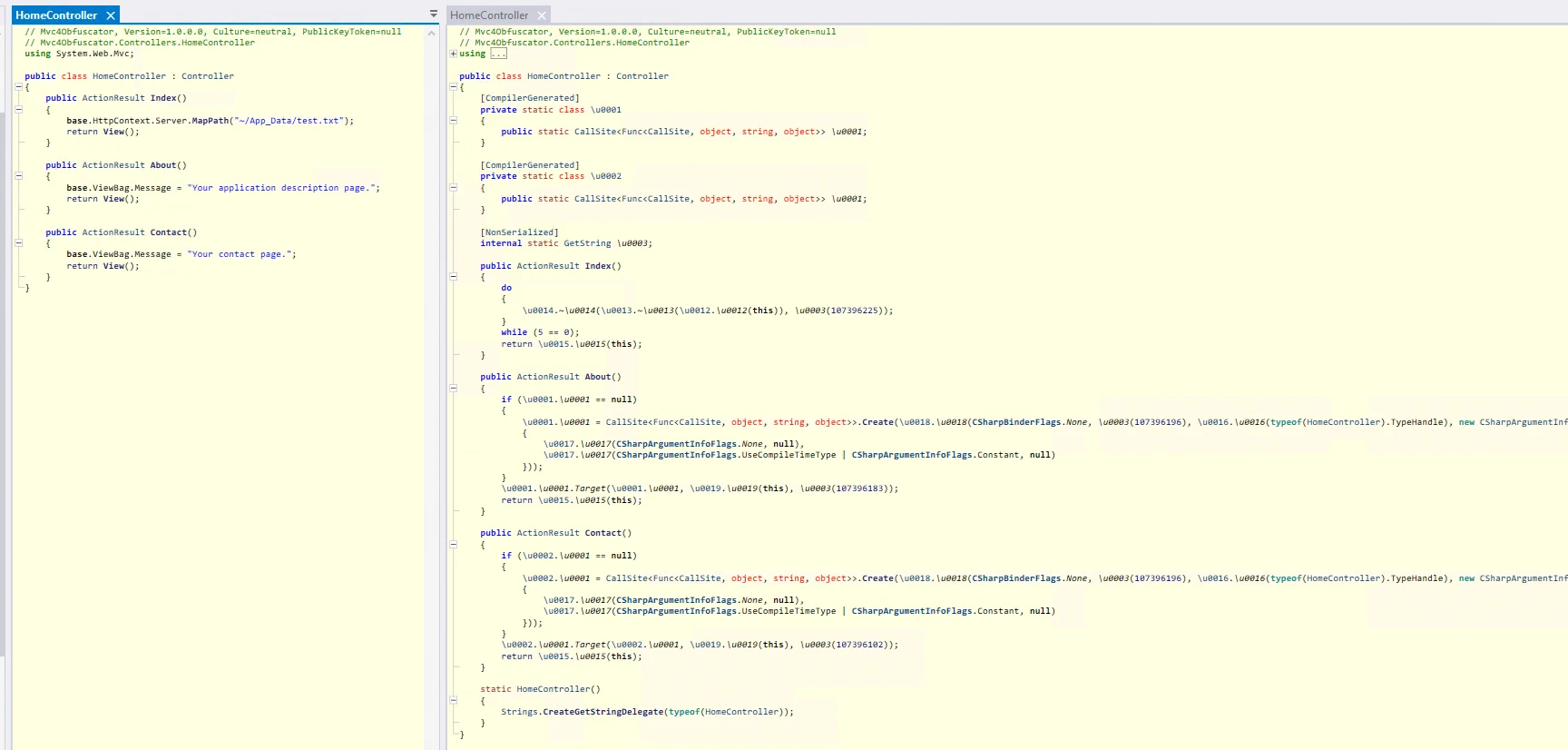
要達到以上混淆效果,需要啟用以下設定:
- Obfscation
- Type/Methods Name Mangling, level 3
- Fields Name Mangling, level 3
- Enable method parent Obfscation
- Control Flow Obfscation, level 4
- References Dynamic Proxy
- Resource Compression and Encryption
- Strings Encoding
- 細項全選
- MSIL Disassembler Protection
一次只能混一顆 DLL
支援平台
Windows
Pricing
Std $540(10+u) ~ 675(1~4u) per Year Pro $828(10+u) ~ $1035(1~4u) per Year
CLI 支援度
PS C:\Program Files\Red Gate\SmartAssembly 8> .\SmartAssembly.com /input:"YourInputAssembly.exe" /xml:"YourProjectSettings.xml" /output:"OutputDirectory"
Dotfuscator Pro
必須填表等對方提供試用授權金鑰,使用 Community 版進行混淆測試
由於 Community 版沒有辦法啟用 Control Flow Obfscation 以及 String Encryption,產出結果跟沒混差不多,要等拿到 Pro 的試用序號之後才能評估
支援平台
Windows Linux macOS Azure Devops
Pricing
要填表格去問: https://www.preemptive.com/products/dotfuscator/pricing/ https://www.preemptive.com/request-a-quote/
CLI 支援度
可跨平台支援各種 CLI,官網也有 CI/CD 說明 https://www.preemptive.com/dotfuscator/pro/userguide/en/installation_build_agents.html
Obfuscar
於 HF23.dll 中有使用,搭配一些特殊寫法可達到混淆
- 無法混淆 Public Method Name 以及 Class Name,導致存取 .NET 原生功能時可以被推敲出意圖
- 需搭配委派功能將 .NET 原生功能委派出來,才有比較好的混淆效果
- 字串加密/模糊做得不錯
- 匿名類別會導致混淆後無法轉成字典形式的物件
- 此功能在 MYWEB 中大量使用 (Web、DAL、BLL)
支援平台
dotnet core 支援平台
Pricing
free
CLI 支援度
只有 CLI...